How to choose a game controller: Hall effect, TMR, polling rate and back buttons
When you buy a game controller, the biggest headaches usually come from compatibility and analog stick drift, not the price. This guide compares stick technology, connection types, back buttons and batteries using the manufacturers' official specs.
In short
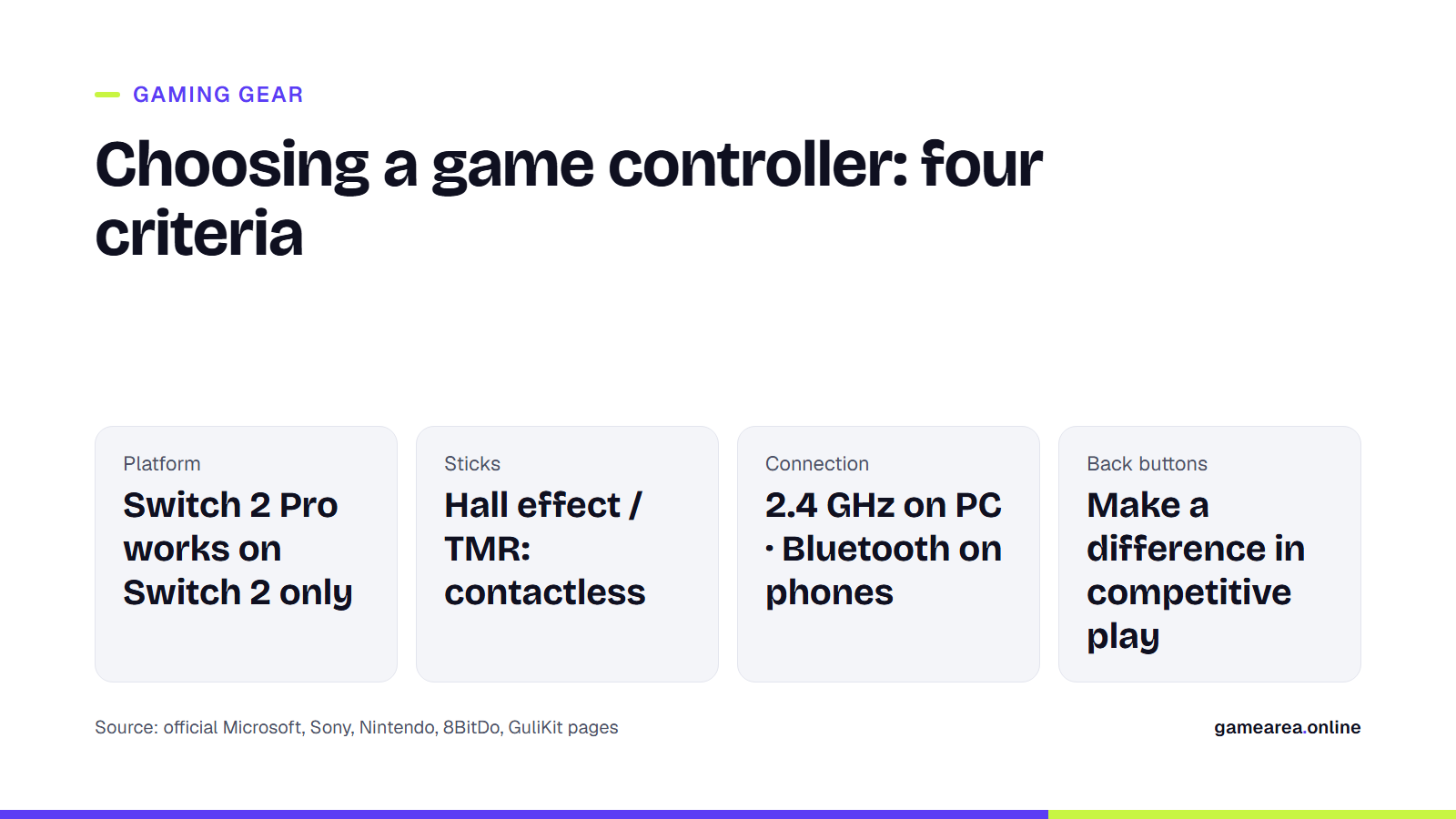
- Platform first: the Switch 2 Pro Controller works only with Switch 2, while Xbox and PlayStation controllers can connect to a PC over Bluetooth or USB-C.
- Worried about drift? Look at models with contactless magnetic sticks such as Hall effect or TMR; classic potentiometer sticks wear down through friction.
- For low latency on PC, use a 2.4 GHz receiver or a cable; on a phone, Bluetooth is more practical.
- Back buttons, trigger stops and swappable sticks make a difference in competitive play, but they push the price up considerably.
Which platform will you play on?
The first filter for any controller is the platform. Microsoft's Xbox Wireless Controller connects to Xbox Series X|S and Xbox One via Xbox Wireless, and to Windows 10/11 PCs, iOS and Android devices via Bluetooth. Sony's DualSense is the PS5 controller and also works on Windows, Mac, Android and iOS over USB-C or Bluetooth. According to Sony, though, haptic feedback and adaptive triggers on PC may require a USB connection and only work in games that support those features.
Nintendo is more clear-cut: the Switch 2 Pro Controller is designed for use with Nintendo Switch 2 only, and Nintendo's support page says it does not work with the original Switch. Third-party brands such as 8BitDo usually target Windows, Android and Apple devices, so check each model's product page for the systems it supports.
Do Hall effect and TMR sticks prevent drift?
Most standard controllers measure the analog stick's position with carbon-film potentiometers. According to GuliKit, which makes stick modules, these parts wear down over time through friction, and that wear can make the stick move on its own, which is what we call drift. Electromagnetic sticks measure without physical contact, so they reduce the risk of drift caused by mechanical wear.
There are two common types of magnetic stick. Hall effect sensors measure the change in a magnetic field as the stick moves. TMR (tunnel magnetoresistance) sensors read very small changes in magnetic orientation. GameSir says TMR offers higher resolution and a truer center point, while Hall effect is the cheaper industry standard; that is one manufacturer's own assessment. In practice, both technologies are a more drift-resistant starting point than potentiometers. Still, treat "never drifts" claims with caution: even GuliKit only says the technology "reduces the risk".
At the high end, another answer is replaceable stick modules. On the DualSense Edge, a faulty stick module can be swapped for a new one, and Sony sells the module separately.
2.4 GHz, Bluetooth or wired: which should you use?
The connection type affects both latency and convenience. Console makers use their own wireless protocols (Xbox Wireless, PlayStation's built-in connection). On PC, third-party controllers mostly offer a 2.4 GHz connection through a USB receiver. 8BitDo, for example, says it measured latency as low as 1 ms over the Ultimate 2's 2.4 GHz connection in its own lab under ideal conditions. GameSir also says Bluetooth still has noticeable lag. On phones and tablets, Bluetooth is the easiest option.
Polling rate describes how many times per second the controller sends data to the computer. 8BitDo lists 1000 Hz for the Ultimate 2 and Ultimate 2C over both 2.4 GHz and wired connections, and shows 100 Hz for the earlier Ultimate C in its own comparison table. Microsoft, Sony and Nintendo do not publish a polling rate for their controllers. Keep in mind that a high polling rate drains the battery faster when you play wirelessly.
Do you need back buttons and trigger stops?
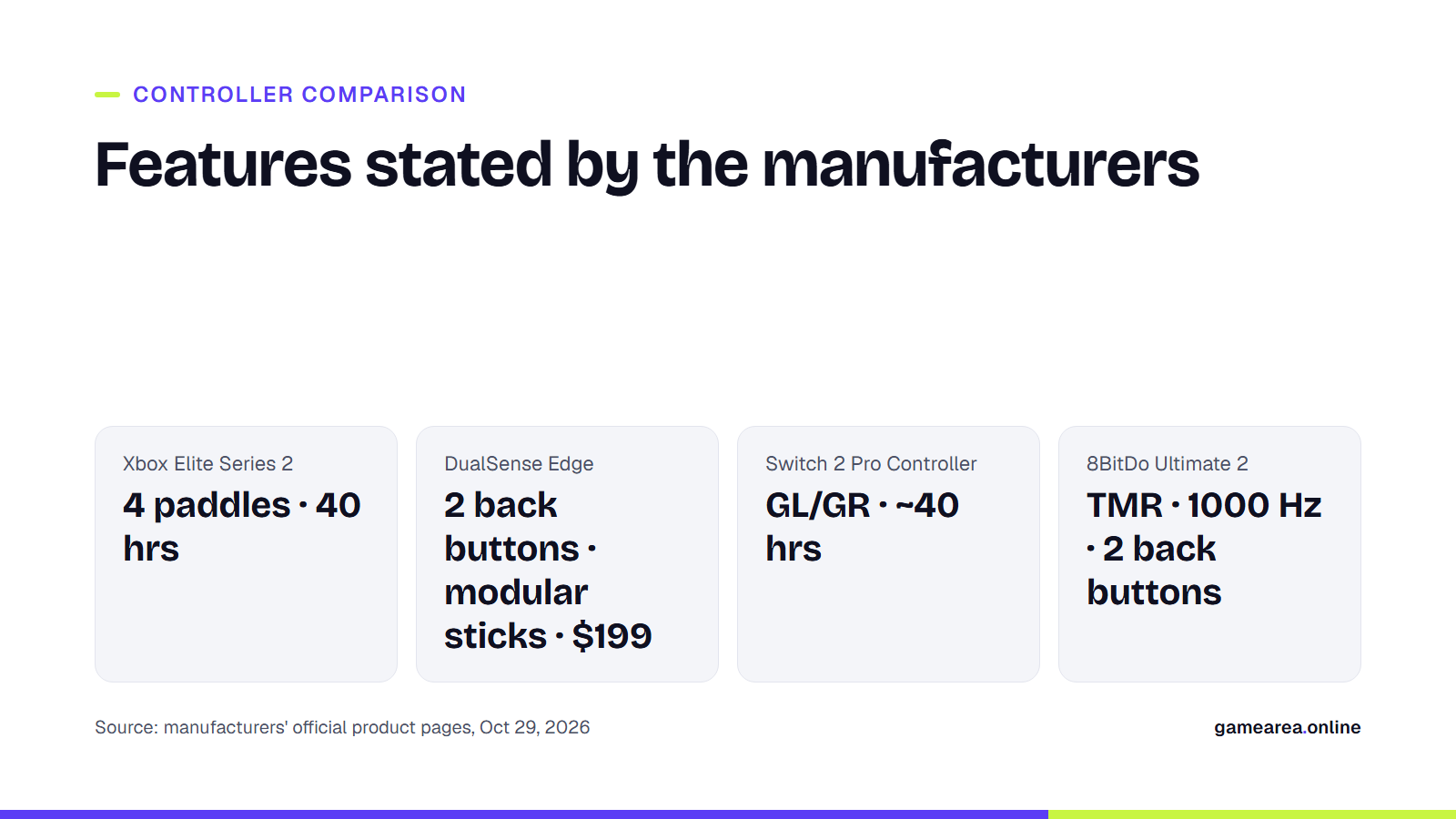
Back buttons (paddles) let you jump, crouch or reload without lifting your thumb off the right stick. The Xbox Elite Series 2 has four paddles, adjustable-tension thumbsticks and shorter hair trigger locks, and it can store three custom profiles. The DualSense Edge has two back buttons, swappable stick caps and three-step trigger stops for L2/R2. Sony notes that the trigger effect does not work when a trigger stop is set to the medium or shallow position. The Switch 2 Pro Controller has GL/GR back buttons that you can map to any button.
If you play shooters or fighting games, these features genuinely help. For story-driven games and relaxed sessions, though, a standard controller is usually enough. If back buttons are beyond your budget, mid-range models such as the 8BitDo Ultimate 2 also come with two of them.
What should you look for in battery and charging?
| Controller | Power | Manufacturer's stated battery life |
|---|---|---|
| Xbox Wireless Controller | AA batteries (rechargeable pack sold separately) | Up to 40 hours |
| Xbox Elite Series 2 | Internal rechargeable battery | Up to 40 hours per charge |
| Switch 2 Pro Controller | 1,070 mAh internal battery | Approx. 40 hours (estimated) |
| 8BitDo Ultimate 2C | 480 mAh internal battery | 19 hrs on 2.4 GHz, 32 hrs on Bluetooth |
| DualSense / DualSense Edge | Internal battery, charges via USB-C | Not stated by Sony |
| Source: official product pages from Microsoft, Nintendo, 8BitDo and Sony, October 29, 2026. Battery life reflects each manufacturer's test conditions. | ||
With AA-powered controllers, swapping batteries is easy; with internal-battery models, you may need a repair service once the battery wears out. Nintendo says the Switch 2 Pro Controller's battery cannot be replaced by the user and is replaced at a service center instead. Sony also notes that the DualSense does not come with a cable in the box, so you use the USB-C cable that comes with the PS5.
If you prefer playing with a keyboard and mouse, our gaming keyboard and gaming mouse guides cover the same criteria for those devices.
Frequently asked questions
Do Hall effect sticks never drift?
Because they measure without contact, the risk of wear and drift caused by friction is lower. Even manufacturers say the technology "reduces the risk", not that it "eliminates" it.
Does the PS5 controller work on PC?
Yes, the DualSense connects to Windows over USB-C or Bluetooth. Haptic feedback and adaptive triggers may require USB, and the game has to support those features.
Can you use the Switch 2 Pro Controller on the original Switch?
No. According to Nintendo, the controller is designed for use with Nintendo Switch 2 only.
What polling rate should a controller have?
For competitive games on PC, 1000 Hz is a good target. Console makers do not publish this figure for their own controllers.
Sources
- Microsoft (Xbox) — Xbox Wireless Controller Official source
- Microsoft (Xbox) — Xbox Elite Wireless Controller Series 2 Official source
- Sony Interactive Entertainment — DualSense wireless controller Official source
- Sony Interactive Entertainment — How to personalize your DualSense Edge wireless controller Official source
- PlayStation Direct (Sony Interactive Entertainment) — DualSense Edge wireless controller Official source
- Nintendo — Nintendo Switch 2 Pro Controller Main specifications Official source
- Nintendo — Nintendo Switch 2 Pro Controller FAQ Official source
- 8BitDo — Ultimate 2 Wireless Controller Official source
- 8BitDo — 8BitDo Ultimate 2C Wireless Controller Official source
- GuliKit — GuliKit newsroom: electromagnetic joysticks Official source
- GameSir — GameSir Controller Technology Official source
How this content was prepared
Prepared with AI assistance from the sources listed, key facts checked against official sources, not copied verbatim. Our AI principles
GAMEAREA Editörlüğü