How to choose a CPU for gaming: core count, cache, X3D and platform
In most games the graphics card sets the frame rate, but when the processor cannot keep up, even the most powerful card is left waiting. Choosing the right CPU means thinking about your resolution and refresh rate, the games you enjoy and your graphics card all at once.
In short
- The CPU prepares game logic, AI, physics and the draw commands sent to the graphics card; the graphics card then draws those frames.
- At high resolutions the limit is usually the graphics card; at low resolutions and high refresh rates the CPU takes over.
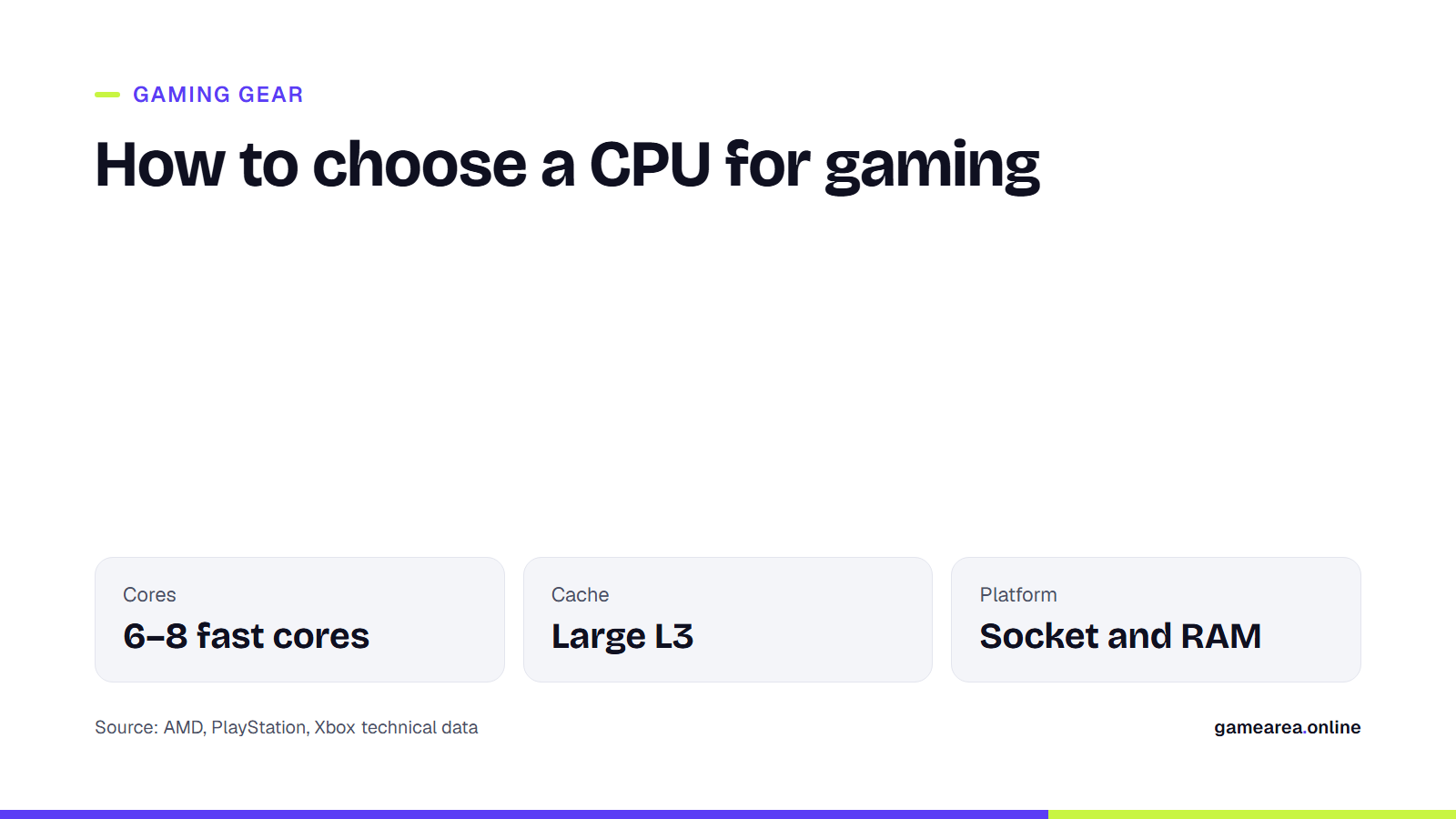
- Current consoles use 8-core processors, so games are designed around that number; for gaming, 6–8 fast cores are enough in most cases.
- A large L3 cache, as on AMD's X3D processors, improves frame rates in many games, and especially the lowest frame rates.
What exactly does the CPU do in a game?
On every frame the processor first works out the state of the game: where the characters are, what the AI will do, how physics objects interact and what has arrived over the network. It then prepares the objects the graphics card has to draw and sends them over as commands. The graphics card draws the frame from those commands at whatever resolution and graphics settings you have chosen.
That is why the CPU's workload is largely independent of resolution. The same number of characters and the same physics are calculated at 1080p and at 4K. As resolution rises, the graphics card's work grows while the processor's stays the same. This simple relationship is the key to understanding which component is holding you back.
What is a bottleneck, and when does the CPU become the limit?
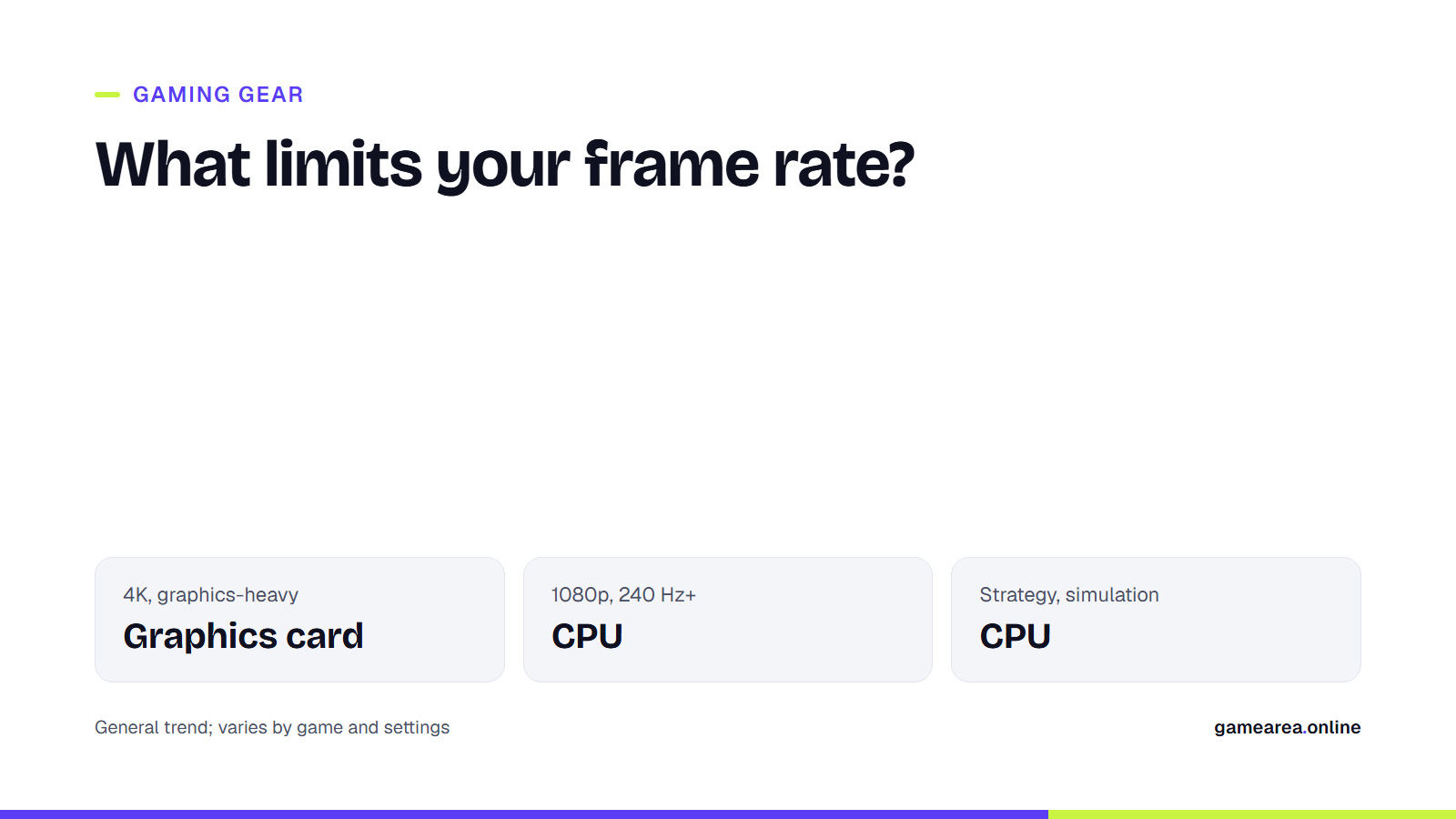
A bottleneck is when the slower of two components decides the frame rate. If the processor can prepare 120 frames per second and the graphics card can draw 200, you will sit at around 120 frames while the graphics card waits. The reverse is also true. In practice the CPU comes to the fore in these situations:
- Competitive games at high refresh rates: when you play on low settings with a 240 Hz or faster monitor, the time available per frame becomes very short and the processor struggles to keep up.
- Strategy, simulation and large multiplayer games: games that calculate hundreds of units, complex economies or crowded servers put a heavy load on the CPU.
- Busy open-world scenes: in areas packed with characters and objects, such as city centers, frame-rate drops are often caused by the processor.
If you play graphics-heavy single-player games at 4K, the limit is usually the graphics card, and putting most of your budget into the graphics card will get you more frames.
How many cores do you need for gaming?
PlayStation 5 and Xbox Series X|S use 8-core processors based on AMD's Zen 2 architecture. Because multi-platform games are designed with that hardware in mind, 6–8 fast cores on a PC are a good balance for the vast majority of games. More cores make sense if you also stream, edit video or compile code; for gaming alone, a 16-core processor does not pull clearly ahead of an 8-core one in most games.
The speed of each core matters as much as the number of cores. That speed does not depend only on clock frequency (GHz); the architecture generation, meaning how much work gets done in each clock cycle, also plays a decisive role. Comparing two processors from different generations by GHz alone is therefore misleading. On designs that combine performance and efficiency cores, as Intel's current desktop processors do, games run mainly on the performance cores.
What do X3D and a large cache bring to gaming?
Cache is a small memory that keeps the data the processor uses most often in a place it can reach far faster than main memory (RAM). Because games access large, scattered data structures on every frame, cache size matters more for gaming performance than for most applications. AMD's 3D V-Cache technology enlarges the L3 cache by stacking an extra layer of cache on the processor die. The Ryzen 7 9800X3D, for example, offers 8 cores, 16 threads and 96 MB of L3 cache according to AMD's product page.
| Specification | Ryzen 7 9800X3D |
|---|---|
| Cores / threads | 8 / 16 |
| Max boost clock | Up to 5.2 GHz |
| L3 cache | 96 MB |
| Default TDP | 120 W |
| Socket | AM5 |
| Source: AMD product page | |
The effect of a large cache varies from game to game: in some titles it makes a big difference, while in situations where the graphics card is the limit it barely matters. Looking at independent tests of the games you actually play before you buy is the most reliable approach.
Why do platform, RAM and cooling matter?
When you choose a processor you are also choosing a motherboard socket and a memory type. AMD's AM5 platform works only with DDR5 memory, and whether you want to drop a newer processor into the same motherboard later is worth considering when you pick a socket. For gaming, running memory in dual channel (two modules) gives clearly better results than a single module. For cooling, the processor's TDP is a good starting point: an inadequate cooler means the processor cannot hold its boost clock for long.
Frequently asked questions
Is an i5 or Ryzen 5 enough for gaming?
Current-generation 6-core processors are enough for most games, and at 1440p and 4K in particular the limit is usually the graphics card. If you are aiming for very high refresh rates or play strategy and simulation games, a stronger processor makes a difference.
Which matters more, the CPU or the graphics card?
For most players the graphics card has the bigger effect on frame rate. The CPU stands out at high refresh rates, in busy scenes and in CPU-heavy games; choosing the two in balance is best.
Is an X3D processor faster in every game?
No. A large cache raises the frame rate in many games, but the difference is small when the graphics card is the limit or in games that are not sensitive to cache.
How can I tell if I have a bottleneck?
If the in-game performance overlay shows graphics card usage staying clearly low all the time, the processor is most likely limiting your frame rate. If lowering the resolution does not raise the frame rate, that points to the same thing.
Sources
- AMD — AMD Ryzen 7 9800X3D Official source
- PlayStation Blog — Unveiling New Details of PlayStation 5: Hardware Technical Specs Official source
- Xbox Wire — Xbox Series X: A Closer Look at the Technology Powering the Next Generation Official source
- Wikipedia — Central processing unit
How this content was prepared
Prepared with AI assistance from the sources listed, key facts checked against official sources, not copied verbatim. Our AI principles
GAMEAREA Editörlüğü