How to lower ping in games: Ethernet, Wi-Fi 6/7, bufferbloat and router settings
Stutter, teleporting opponents and late hits in online games usually come from latency and its swings, not from a slow connection. To lower your ping, first work out whether the delay is created inside your home or outside it.
In short
- Ping is the time a packet takes to reach the server and come back; it is separate from bandwidth, which is measured in Mbps.
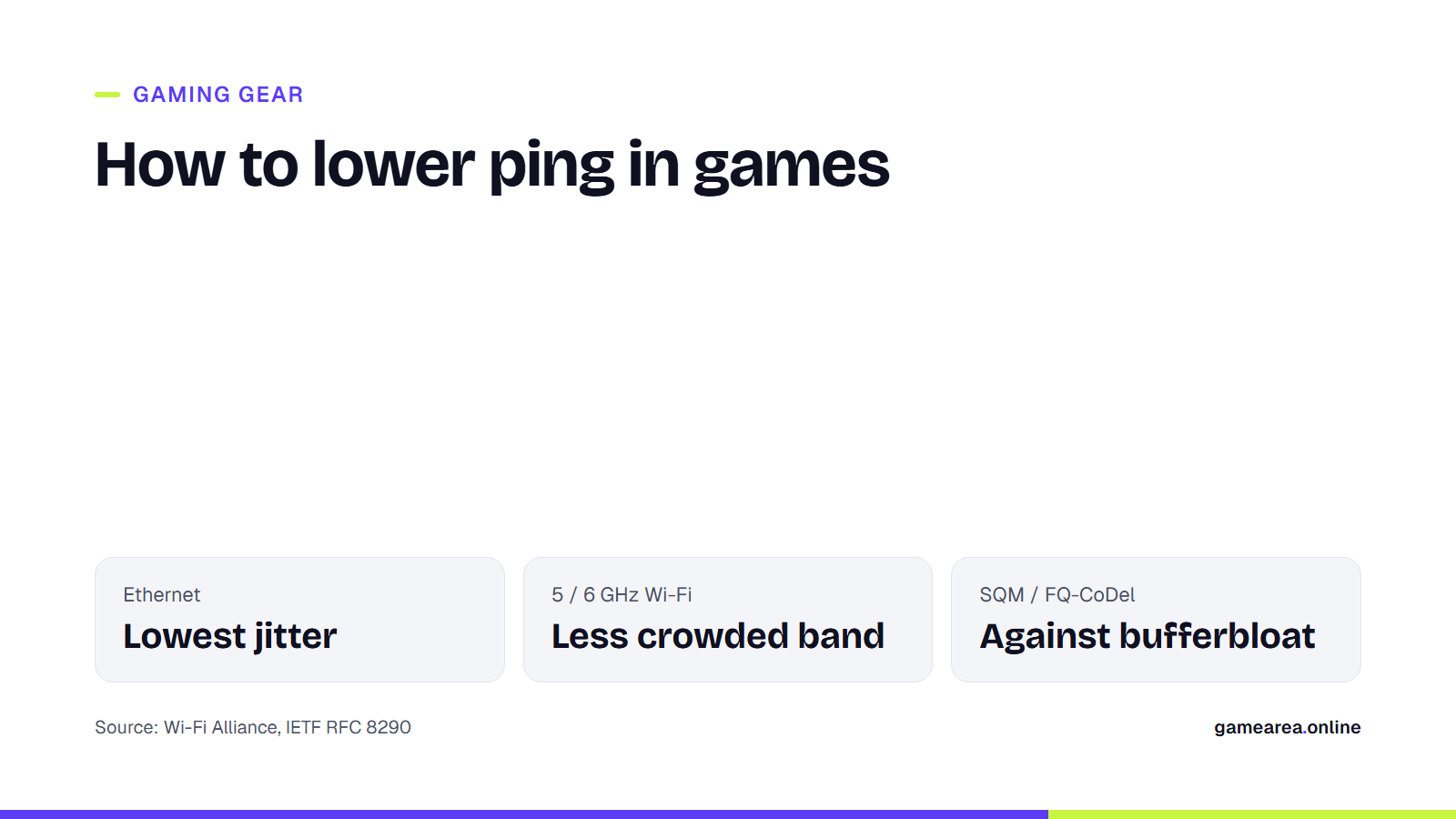
- The biggest win at home is usually connecting by cable, or moving to a less crowded Wi-Fi band.
- If your ping spikes whenever someone is downloading, bufferbloat is the likely culprit, and smart queue management (SQM) on your router fixes it.
- No setting can remove physical distance to the server; choosing the nearest region is part of getting a low ping.
What is the difference between ping, speed and jitter?
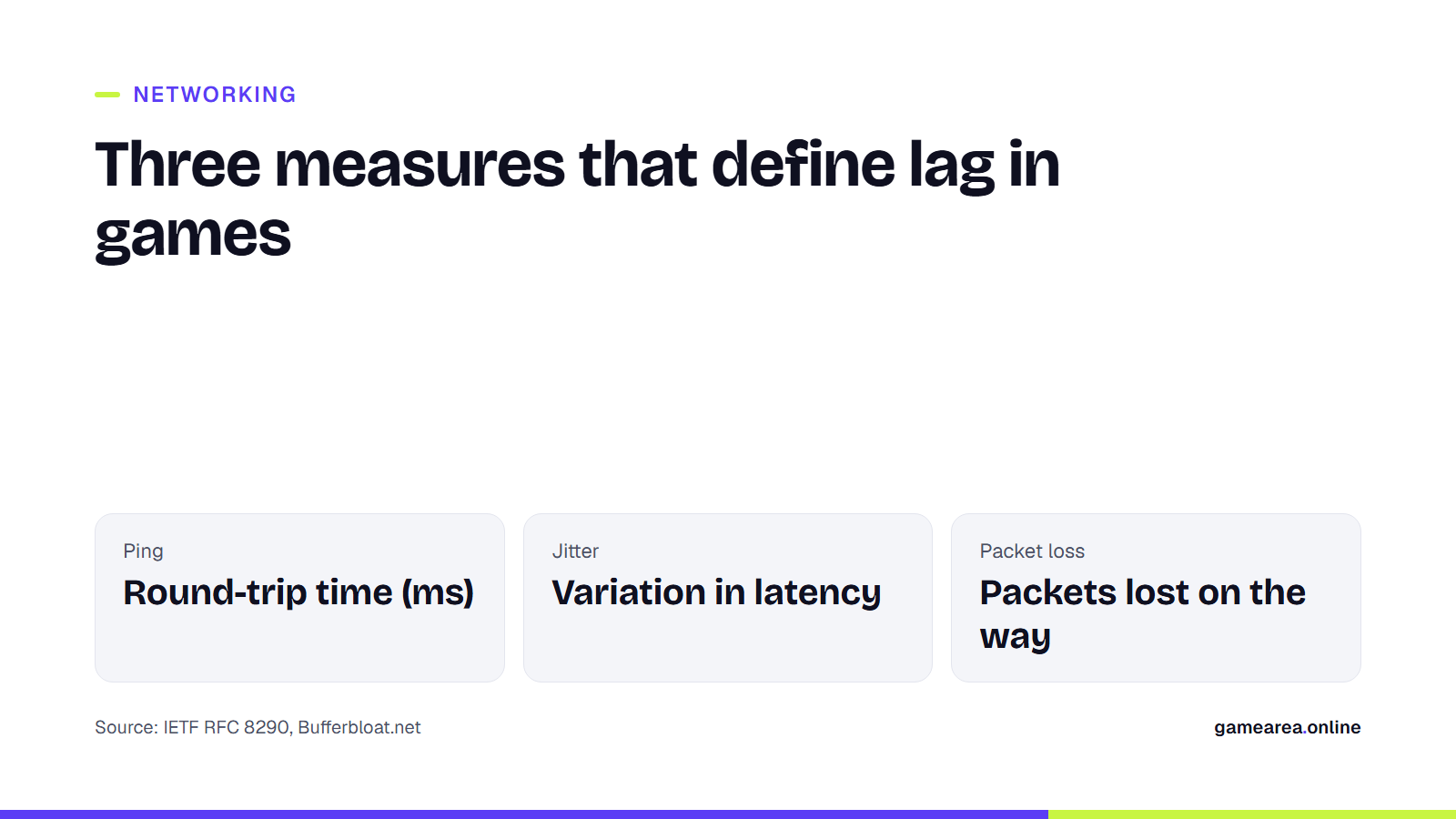
If your plan says "100 Mbps", that describes how much data can move per second. The data games send is small; what matters is how fast each packet makes the round trip. That round-trip time is called ping, or latency, and it is measured in milliseconds (ms). Jitter is how much that time fluctuates: playing at a steady 40 ms is far smoother than on a connection that bounces between 20 and 120 ms. Packet loss is the third measure; lost packets show up in a game as sudden jumps.
Ethernet or Wi-Fi: is the difference really big?
An Ethernet cable is not affected by interference in the air or by sharing a channel with other devices. That is why it lowers jitter more than it lowers average ping. If your PC or console is in the same room as the router, a cable is the cheapest and most effective upgrade. If running a cable is not possible, powerline adapters that carry data over your mains wiring can be a stopgap, though their performance depends on your home's wiring.
If you have to use Wi-Fi, the band you pick matters. The 2.4 GHz band passes through walls better but is packed with neighbouring networks. The 5 GHz and 6 GHz bands are less crowded and offer wider channels. According to the Wi-Fi Alliance, Wi-Fi 6 aims to cut latency with OFDMA, which shares channels more efficiently between several devices. It is Wi-Fi 6E that opened up the 6 GHz band. Wi-Fi 7, introduced in 2024, adds 320 MHz channels in the 6 GHz band and multi-link operation (MLO), which uses several connections at once. To benefit from these features, both your router and your gaming device need to support the same standard.
Why does my ping spike when someone is downloading?
If your ping jumps from 30 ms to 200 ms while someone at home downloads a large file or uploads a video, the problem is most likely bufferbloat. In Bufferbloat.net's definition, it is unwanted delay caused by a router or other network device holding too much data in its buffer. Your game packet joins the same long queue as the download's packets and has to wait its turn.
The fix is an algorithm that manages the queue intelligently. FQ-CoDel, defined in the IETF's RFC 8290, splits packets from different connections into separate queues and keeps those queues short, so low-volume traffic such as a game does not wait behind big downloads. Many routers and open-source firmware offer this as SQM (Smart Queue Management) or under a similar name. For a correct setup, set the speed limit slightly below your line's measured speed; otherwise the queue still builds up in your provider's equipment.
| Symptom | Likely cause | First thing to try |
|---|---|---|
| Ping always high and steady | Distance to the server, routing | Pick a closer server region |
| Ping fluctuates on Wi-Fi | Interference, crowded channel | Use a cable or the 5/6 GHz band |
| Ping spikes during downloads | Bufferbloat | Enable SQM / FQ-CoDel on the router |
| Occasional sudden jumps | Packet loss | Test by swapping the cable and router |
| Source: Wi-Fi Alliance, IETF RFC 8290, Bufferbloat.net | ||
Should you look for the problem at home or outside?
Run a simple test: connect your PC to the router by cable and measure ping while nobody else at home is using the internet. If the value is still high, the problem lies outside your home; distance to the server, your provider's routing or the line itself decides it. If it is fine on cable and bad on Wi-Fi, focus on the wireless link. If it is good when you are alone and bad when someone is downloading, look at bufferbloat.
If the game lets you choose a server region, pick the nearest one. Even in fibre, the speed of light is a limit; a player in Europe who connects to a North American server cannot reach, with any router setting, the ping they would get on a European server.
Which settings do not help?
Many programs and settings sold as "ping reducers" do not actually change latency. Changing your DNS server may make websites open faster, but once a game connection is established it has no effect on ping. Cloud backups, game updates or video streams running in the background do make a real difference; pausing them while you play is more effective than many paid tools.
In turn-based games, ping matters far less. In games such as Backgammon or Okey, a delay of a few hundred milliseconds goes unnoticed, but a connection that does not drop is essential. So even there a stable link is worth more than high speed. If you are also wondering about the display side when choosing gaming gear, see our gaming monitor guide.
Frequently asked questions
What ping is good for gaming?
There is no official threshold; as a rule of thumb, in competitive shooters under 50 ms feels comfortable and over 100 ms is clearly noticeable. In turn-based games even a few hundred milliseconds causes no problems.
Does a faster internet plan lower ping?
Not directly. Ping mostly depends on distance and queues. A faster plan only helps indirectly, by reducing bufferbloat when the line is constantly full.
Will a Wi-Fi 7 router lower my ping?
If your gaming device also supports Wi-Fi 7, latency and jitter on the wireless link can drop. If the problem is outside your home, a new router will not change it.
How do I know if I have bufferbloat?
Measure ping on an idle line, then again while downloading a large file. If the difference is hundreds of milliseconds, you have bufferbloat.
Does changing DNS lower ping?
No. DNS only affects name resolution; it does not change the latency of the connection to the game server.
Sources
- Wi-Fi Alliance — Wi-Fi CERTIFIED 7 / Wi-Fi CERTIFIED 6 Official source
- IETF — RFC 8290: The Flow Queue CoDel Packet Scheduler and Active Queue Management Algorithm Official source
- Bufferbloat.net — Bufferbloat: Introduction
How this content was prepared
Prepared with AI assistance from the sources listed, key facts checked against official sources, not copied verbatim. Our AI principles
GAMEAREA Editörlüğü