How to choose an SSD for gaming: NVMe vs SATA, PCIe generation, DirectStorage and capacity
An SSD affects load times, stutter in open worlds and how fast games start, not frame rate. The biggest read-speed number on the box is often not the most important spec; the right interface, enough capacity and compatibility with your motherboard make more of a difference.
In short
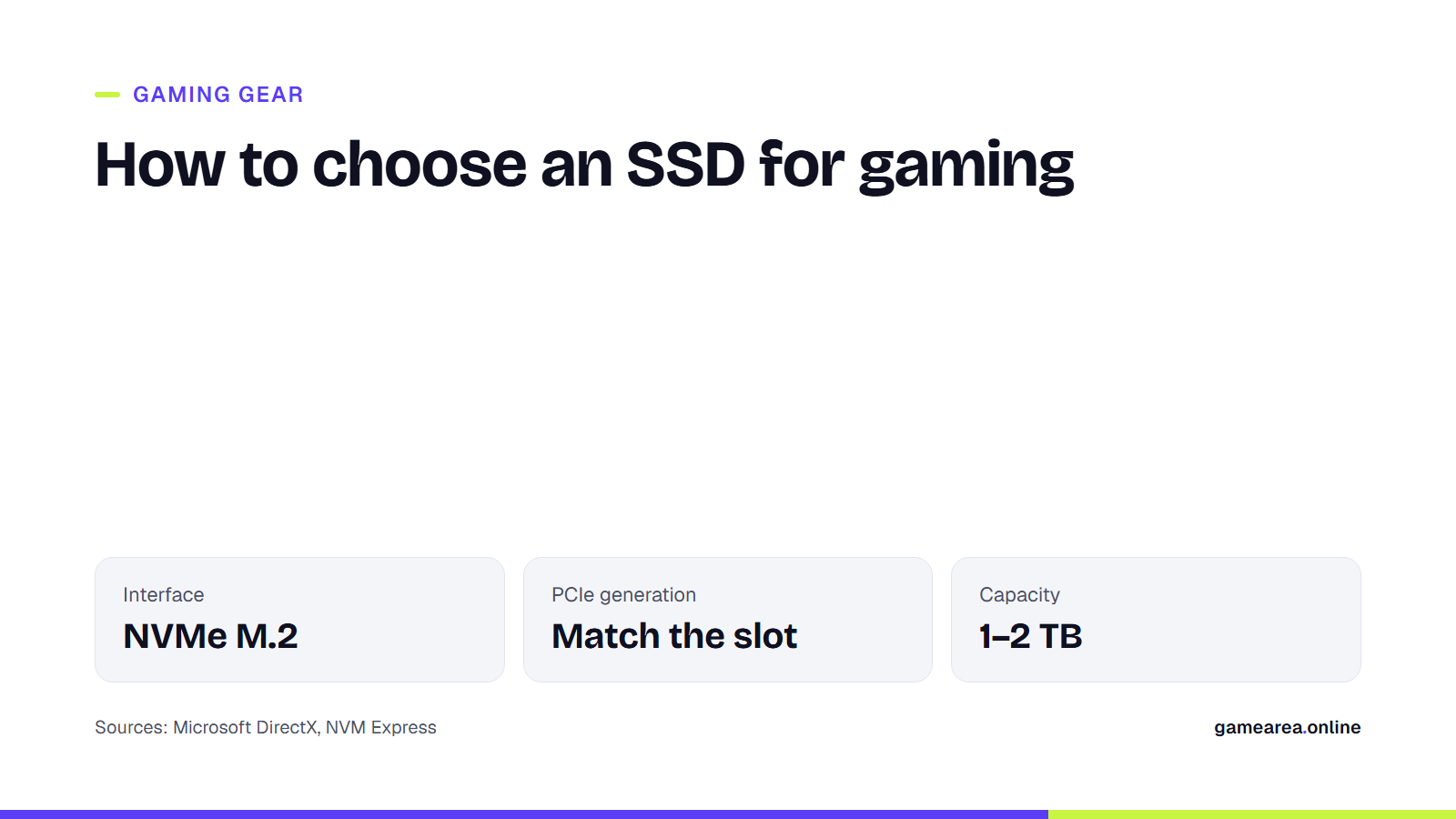
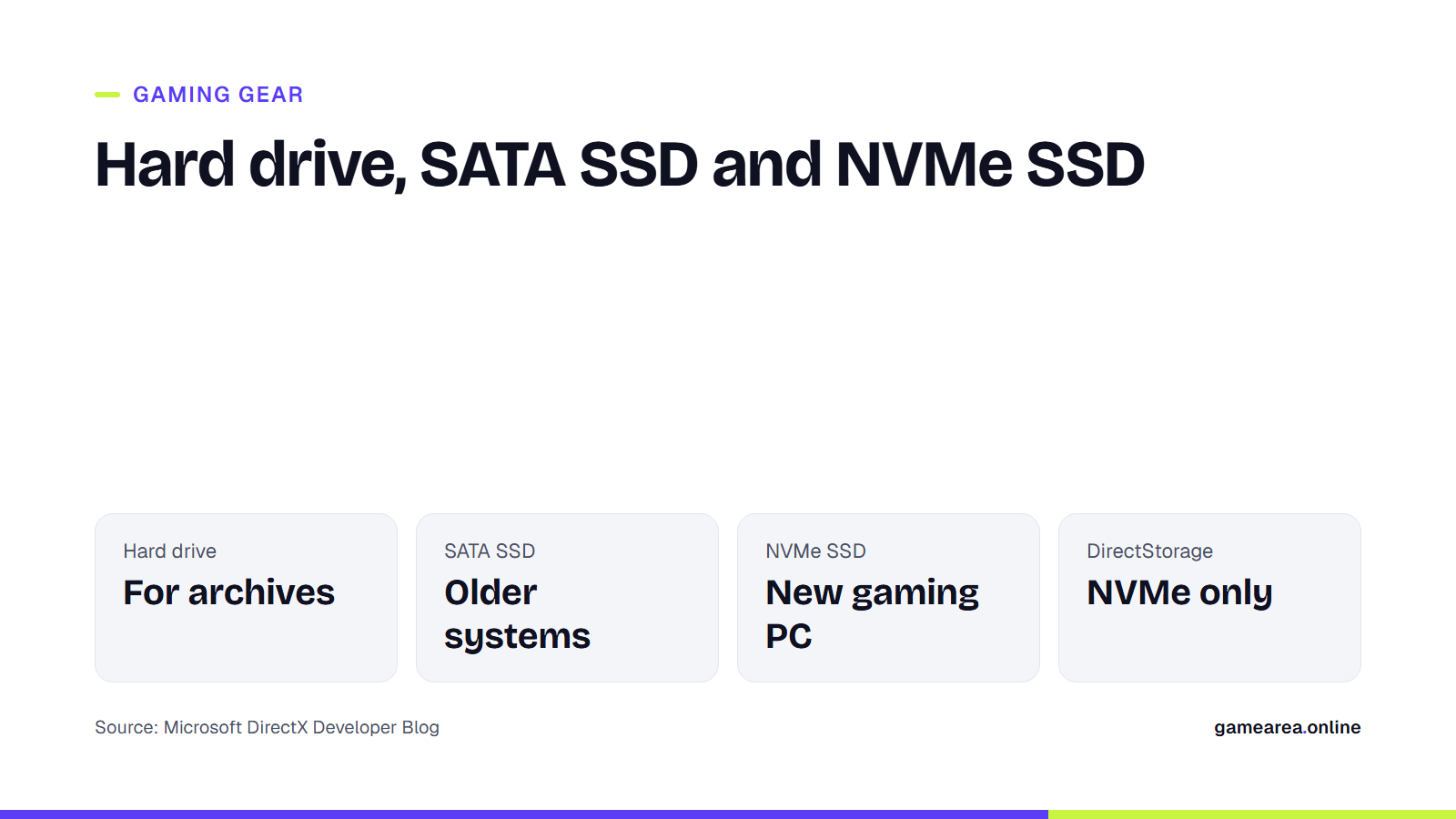
- For a new gaming PC, choose an NVMe M.2 SSD; a SATA SSD only makes sense for older systems.
- The PCIe generation (3.0, 4.0, 5.0) should match your motherboard slot; a newer drive works in an older slot, but at that slot's speed.
- Games that support DirectStorage benefit most from an NVMe SSD.
- Do not skimp on capacity; SSDs slow down as they fill up.
What does an SSD speed up in games, and what doesn't it?
The graphics card and CPU decide how many frames are drawn per second; storage decides how fast data reaches memory. That is why moving to an SSD does not directly raise frame rates, but it shortens loading screens, speeds up game start-up and reduces late-loading textures and short hitches when entering a new area of an open world.
Microsoft's DirectX team makes an important point when describing how games now load data: modern games split textures and models into small pieces and load only the pieces needed at that moment. That is more efficient, but it greatly increases the number of requests sent to storage. Mechanical hard drives cannot serve that many small requests quickly; that is the real reason SSDs make a difference in games.
NVMe or SATA?
SSDs can connect to a PC through two different interfaces. SATA is an older interface designed for hard drives; 2.5-inch SSDs and some M.2 SSDs use it. NVMe is the standard published by the NVM Express consortium that defines how software talks directly to flash memory over PCI Express, and it is now the industry standard for SSDs. Because NVMe drives can handle many requests at once, they suit the small-piece loading pattern described above much better.
A common mix-up: M.2 is not an interface but a card size. Both NVMe and SATA SSDs can fit an M.2 slot, but not every slot supports both. Before buying, check your motherboard manual to see whether the slot supports NVMe (PCIe), SATA or both. Most gaming SSDs use the 2280 size (22 mm wide, 80 mm long).
Should you buy PCIe 4.0 or 5.0?
NVMe SSDs run over PCI Express lanes, and each new PCIe generation increases bandwidth. Two rules cover most cases:
- Buy for your slot: A PCIe 5.0 SSD in a PCIe 4.0 slot works, but at 4.0 speed. If your motherboard has no 5.0 M.2 slot, you will not get anything for the extra money.
- Plan for heat: Fast drives heat up, especially during long writes, and slow down when they get hot. Use your motherboard's M.2 heatsink if it has one; otherwise consider a model with its own heatsink.
Because game load times do not depend only on sequential read speed, the difference between generations may be smaller than the numbers on the box suggest. On a tight budget, a larger drive is often a better investment than a newer generation.
What is DirectStorage, and which SSD does it need?
DirectStorage is a DirectX API that Microsoft originally developed for Xbox Series X and then brought to Windows. Its goal is to let games actually use the speed of NVMe SSDs: according to Microsoft, older storage APIs could not handle so many small requests, so even a fast NVMe drive could not run at full capacity. DirectStorage 1.1 added GDeflate support, which lets compressed game data be decompressed on the graphics card instead of the CPU.
According to Microsoft, DirectStorage is supported on suitable systems with NVMe drives; if your system does not support it, games keep working as before. So DirectStorage is not a requirement, but it is a feature that makes an NVMe drive more valuable. To see its effect, the game itself has to use DirectStorage.
How do you choose capacity, DRAM and endurance?
- Capacity: Large current games can take up tens of gigabytes and grow with updates. To keep several big games installed at once, start at 1 TB; for a large library, 2 TB is a sensible starting point.
- Leave free space: SSD write speeds drop as the drive nears full. Keeping part of the drive empty protects both performance and lifespan.
- DRAM cache: Drives with DRAM keep their address tables in fast memory and deliver more consistent performance under heavy use. DRAM-less models borrow a small amount of system memory (HMB); that can be enough for games, but a DRAM drive is more comfortable as a system drive.
- Endurance (TBW): The total amount of writing the manufacturer guarantees. Since games mostly read data, gamers rarely get close to this limit; still, the warranty period and TBW rating are a good sign of quality.
If you are upgrading the rest of your desk too, see our guides to gaming monitors and gaming mice.
Frequently asked questions
Does an SSD increase FPS in games?
Not directly. It shortens load times and reduces hitches while data loads in open worlds; frame rate is decided by the graphics card and CPU.
Can I put a PCIe 5.0 SSD in a PCIe 4.0 motherboard?
Yes, it works, but at the 4.0 speed the slot supports.
Are M.2 and NVMe the same thing?
No. M.2 is the card size; NVMe is the connection standard. There are also SATA SSDs in the M.2 size.
Which SSD does DirectStorage need?
An NVMe SSD. On systems that do not support it, games still run; they just do not get this speed-up.
Sources
- Microsoft DirectX Developer Blog — DirectStorage is coming to PC Official source
- Microsoft DirectX Developer Blog — DirectStorage SDK & API Official source
- NVM Express, Inc. — NVM Express Official source
How this content was prepared
Prepared with AI assistance from the sources listed, key facts checked against official sources, not copied verbatim. Our AI principles
GAMEAREA Editörlüğü